 Lukla Data Studio
 documentation
Everything Lukla Data Studio does, with screenshots and examples: the T-SQL editor, results, plans, the profiler, Object Explorer, the database tools and the AI assistant.
On this page
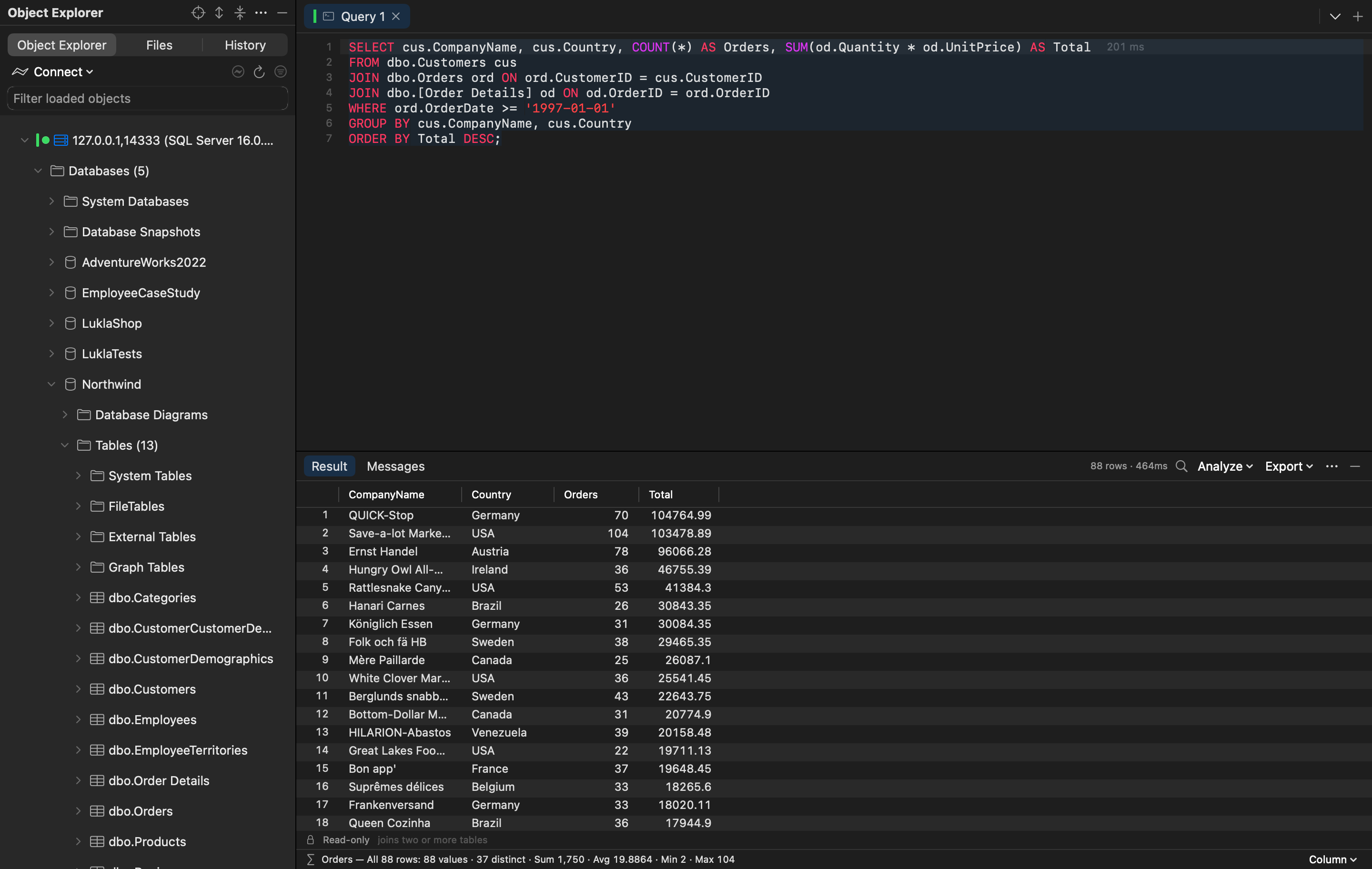
Lukla Data Studio is a native Mac app for SQL Server. These pages walk through every feature, with screenshots taken from the app itself and examples you can copy and run.
New here? Start with Getting started, then Writing queries.
Start here
Editor
Writing queries
Completion that knows your schema, join suggestions from foreign keys, snippets, and the editing commands in the T-SQL editor.
Code analysis and quick fixes
Errors and code analysis as you type, quick fixes with ⌥↩ or ⌘., declaring variables, schema-qualifying names, type mismatches, suppressions and your own rules.
Formatting
Format T-SQL with a built-in style or your own profile, with a live preview, and share profiles with your team.
Running queries
Run a statement, a selection or a whole script; parameters, transactions, the guard against risky statements, history, and running one query on several servers or databases.
Tabs, files and comparing
Query tabs that come back on relaunch, .sql/.xml/.json files, a Files pane for your project folder, split views, comparing tabs and files, and local history.
Results
Results grid
Select cells, ranges and rows like SSMS, copy as TSV, CSV, JSON or INSERT, find in results, sort, and export to CSV, Excel or JSON.
Editing data
Edit, add and delete rows right in the results grid, review the script, and apply it in one transaction, including tables without a primary key, JSON and XML values, and the data browser.
Analyzing results
Data bars, Transpose and Group By on a result set, and the summary of the selected cells, without writing another query.
Plans and performance
Execution plans
Estimated and actual plans as a diagram with plain-English steps, a sortable top-operators table, index suggestions, comparing with the previous run, and asking the AI to review a plan.
Statistics IO and TIME
Turn on SET STATISTICS IO, TIME for every run and read the reads per table and the CPU and elapsed time in a summary instead of a wall of messages.
Query Store
The database's slowest and most frequent queries over a time window, queries that regressed, their plans, and forcing a good plan, from SQL Server's Query Store.
Index maintenance
Fragmentation of every index in a database, the recommended REORGANIZE or REBUILD at thresholds you set, and a script for the indexes you pick.
Profiler
Server and objects
Object Explorer
The SSMS tree on the Mac: several servers, every folder from Databases to Agent jobs, schema folders, scripting any object, and the actions on each.
SQL Search
Search every object name, column and line of procedure, view, function, trigger and Agent job text across a whole server, as you type.
Activity Monitor and Analyze Server
What's running on a server right now, who is blocking whom, waits, file I/O and expensive queries; and a one-click review of configuration and the plan cache.
Back up and restore
Back up a database with the usual options, and restore a .bak, including one on your Mac into SQL Server running in Docker, with file relocation done for you.
ER diagrams and dependencies
Draw a database's tables with their keys and relationships, export the diagram, and see what uses an object before you change it.
Schema Compare
Compare two databases' schemas object by object, see each difference side by side, and generate a script that brings the target up to date.
Database tools
Data Compare
Compare the rows of two tables on any servers, matched by key, see the differences side by side, and generate a script that makes the target match.
Test data generator
Fill a table with realistic rows for testing: a generator per column chosen from its type and name, NULL rates, repeatable seeds, a preview, and an INSERT script.